


What to Look For
Most PSAs cover the basics: time tracking, ticketing, invoicing, and reporting. The differences show up elsewhere:
- Support. When something breaks, is someone actually reachable or are you stuck in a ticket queue?
- Integrations. Does it connect cleanly with the accounting, scheduling, and RMM tools you already use?
- Price transparency. Is pricing clear upfront, or will you discover "premium modules" after you've signed?
How the Big Players Compare
Complex MSPs offer deep functionality but often have a reputation among smaller MSPs for a steep learning curve and lengthy onboarding. Others require significant configuration work, often with a consultant to get it fitting your workflows.
Where Zest Fits
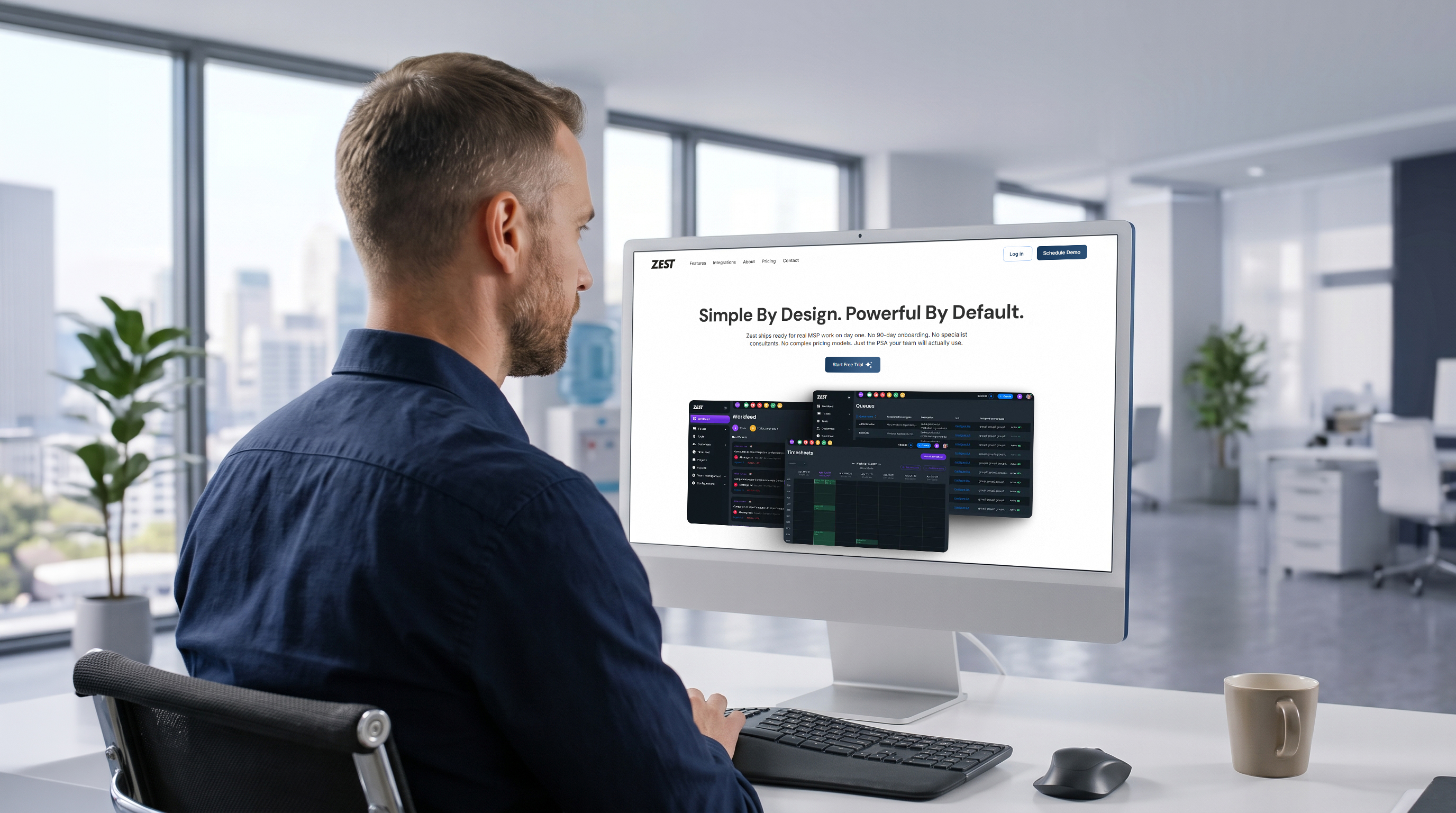
Zest was built specifically for teams that don't have a dedicated PSA administrator on staff. It ships with MSP workflows, ticket types, and SLAs already configured, therefore no lengthy setup project required. Add in per-technician pricing with no hidden modules, and it's designed to be right-sized for a small, growing team from day one.
.jpg)